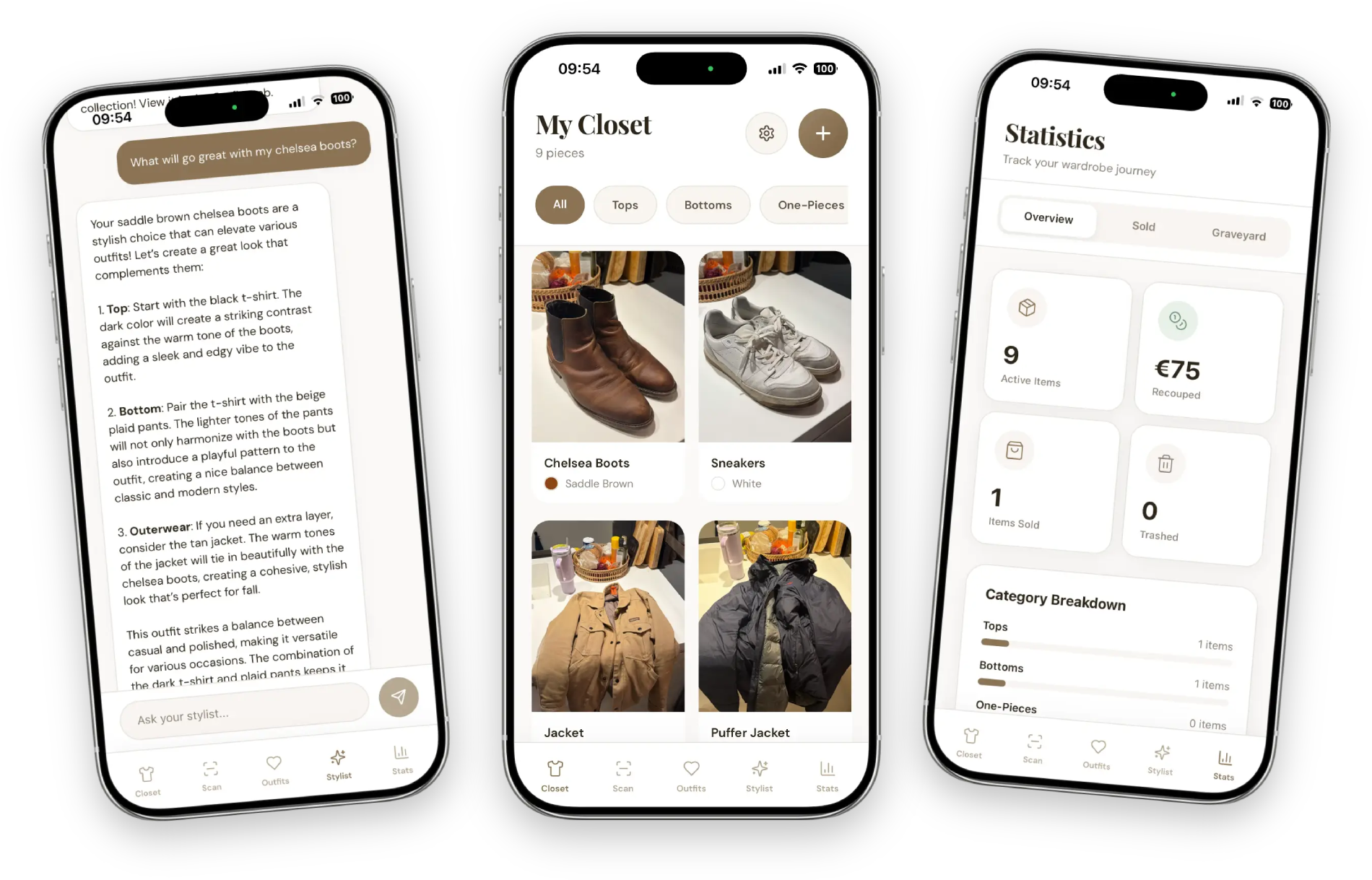
We need to talk about “The Blur.”
You know the one. You were on a decluttering spree at 11 PM. The lighting in your bedroom was terrible. You were scanning clothes as fast as humanly possible to get them into the app.
The result? You have a digital closet full of amazing clothes, represented by photos that look like they were taken by a potato in a dungeon.
I have good news. We just fixed that.
No more deleting and re-scanning
Until yesterday, if you hated a photo of your favorite dress, you had to delete the whole item and start over. You lost the tags, the brand info, and the “Last Worn” history.
That was annoying. And honestly? It was stopping people (me included) from making their digital closets look cute.
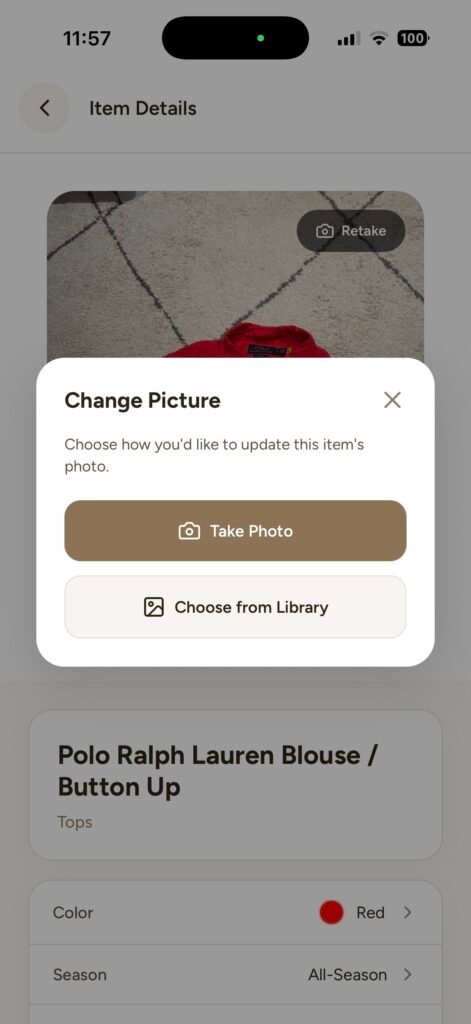
New Feature: The “Retake” Button
You can now swap out the photo of an item without losing the data attached to it.
It’s super simple:
- Open the item in your closet.
- Tap Retake.
- Snap a new one (or upload that perfect flat-lay you took for Instagram).
Speed first, aesthetic later
This update is actually a strategy tip in disguise.
When you are first starting with ClosetGems, do not try to be an influencer. Do not set up a ring light. Do not iron everything.
Just scan it fast. Get the inventory in there so the AI Stylist can start working for you.
Then, on a lazy Sunday morning when the lighting is nice, go back and use this new feature to swap out the messy “bed pile” photos for nice, clean shots. You can curate your aesthetic after you’ve done the hard work.
Go fix your “ugly” items
So, go ahead. Find that one blurry photo of your favorite jeans that has been bothering you for weeks.
Retake it. Make it look as good as it looks on you.