There is a specific kind of anxiety that hits you when you open your closet in the middle of winter.
It’s the “Puffer Jacket Wall.”
You’re looking for a cute top to wear to dinner, but you have to physically wrestle past three trench coats, a ski jacket from 2018, and that one chunky wool coat that smells slightly like mothballs. Your summer dresses are crushed somewhere in the back, wrinkling into oblivion.
Mixing seasons is the fastest way to make your closet feel small and chaotic.
The solution, obviously, is Seasonal Storage. But there is a massive flaw in the traditional way we store clothes: Out of sight, out of mind.
The “Black Hole” Under the Bed
Here is the usual cycle:
- You pack all your summer clothes into a plastic bin.
- You shove the bin under the bed or into the attic.
- Three months later, you buy a new floral sundress because you forgot you already own three of them.
- You open the bin in June and realize you wasted money.
We’ve all done it. When we physically hide our clothes, our brains delete them from our inventory. We start shopping as if those items don’t exist.
The Hybrid Method: Physical Storage, Digital Visibility
This is where the ClosetGems method changes the game. We are going to separate the physical location of your clothes from the mental knowledge of them.
Here is how to hack your seasonal swap:
1. The Great Divide (Physical)
Take everything you aren’t going to wear for the next 3 months and get it out of your prime real estate. Put the heavy wool coats in the guest room closet. Put the bikinis in the under-bed bin. Your daily closet should only have items you can actually wear right now.
This stops the visual clutter. You’ll breathe easier just looking at the space.
2. The Tagging (Digital)
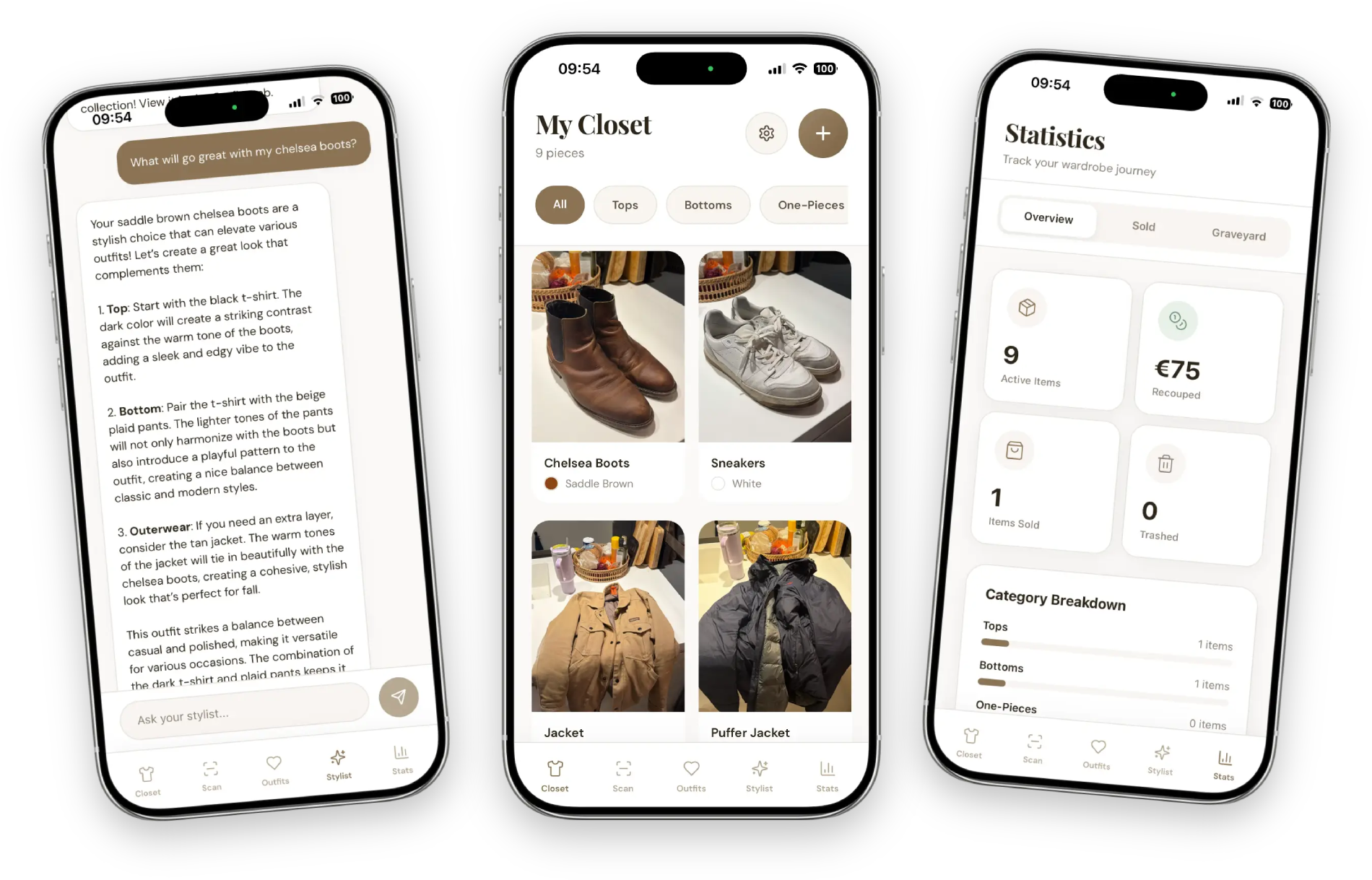
Before you pack them away, snap a quick photo in the app. When the AI scans the item, use the Season Tag. Mark them as “Winter” or “Summer.”
3. The “Filter” Magic
Now, here is the trick. In the ClosetGems app, you don’t delete these items. You just filter your view.
You can set your digital closet to show only “Current Season,” so your AI Stylist won’t suggest a bikini when it’s snowing outside.
BUT—and this is the money-saver—when you are out shopping and you see a cute coat on sale, you can open your app, toggle the filter to “All Items,” and check: “Do I already have a camel trench coat?”
Yes. You do. It’s in the bin under the bed. You just saved $150.
Stop Re-Buying Your Own Wardrobe
The goal of a digital wardrobe isn’t just to make outfits; it’s to make you a smarter owner of things.
Seasonal storage used to be a memory test. Now, it’s just data.
So go ahead. Pack away the chunky knits (or the sundresses, depending on your hemisphere). Reclaim your closet rod. Your clothes are safe in the cloud, and your AI stylist will be ready for them when the weather turns.